
Software
Microsoft Teams isn’t just another tool—it’s a game-changer for educators looking to boost classroom engagement, simplify communication, and enhance collaboration. These 10 benefits show how this platform transforms teaching workflows while keeping students connected and motivated.
Seamless Classroom Communication Hub
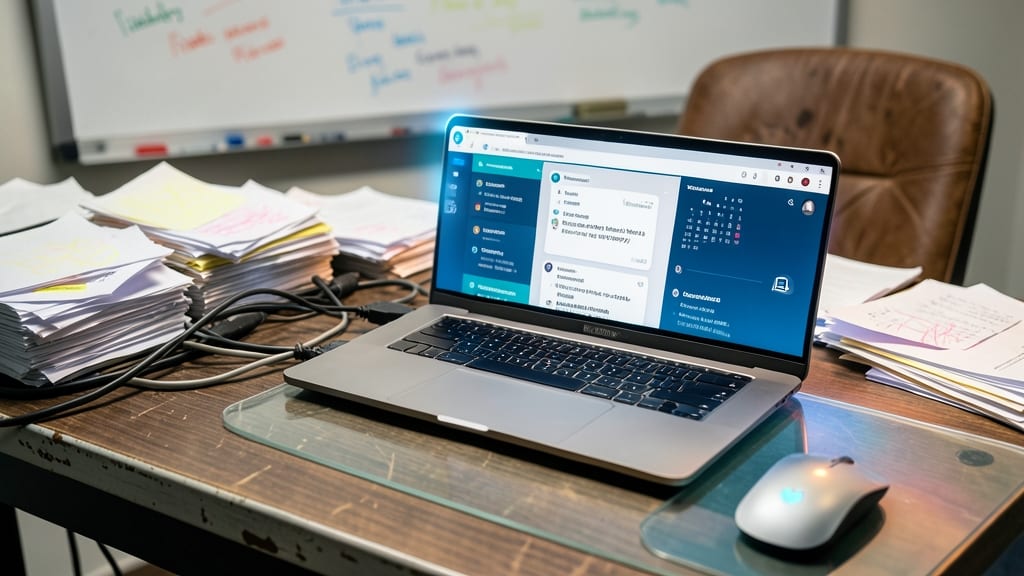
Tired of juggling a dozen email threads, lost announcements, and forgotten messages? Microsoft Teams turns the chaos into a single, organized hub where every class update, question, and reminder lives in one place—no more digging through cluttered inboxes.
With pinned announcements, you can highlight key deadlines or event details at the top of your class channel, ensuring students see them first. The @mention system lets you tag specific students or groups for quick replies, while threaded conversations keep discussions tidy. Plus, file attachments and links stay neatly organized under each message, so no one misses important resources.
This is your secret weapon for middle school teachers managing multiple grade levels or high school educators coordinating clubs and sports teams—where clarity and speed matter most. ⚡
Interactive Classroom Assignments and Quizzes
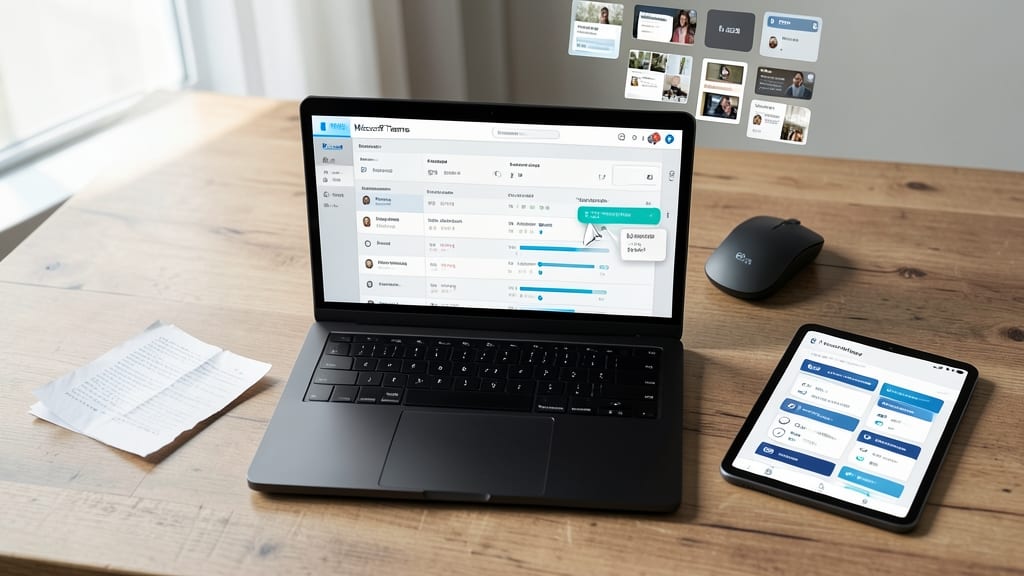
Say goodbye to stacks of papers and hello to effortless grading with Microsoft Teams’ built-in assignment tools. Create, distribute, and grade tasks—including essays, quizzes, and rubric-based assignments—all in one place, with automated feedback that cuts prep time dramatically.
The Class Notebook feature organizes assignments by date, while integrated rubrics ensure consistency in grading. You can even set deadlines and reminders to keep students on track, and the progress dashboard gives real-time insights into class performance. No more lost papers or forgotten submissions—just seamless, paperless workflows.
Perfect for high-school teachers managing heavy workloads or college professors grading complex assignments, this tool turns grading from a chore into a streamlined process. 💻
Virtual Classroom Integration for Hybrid Learning
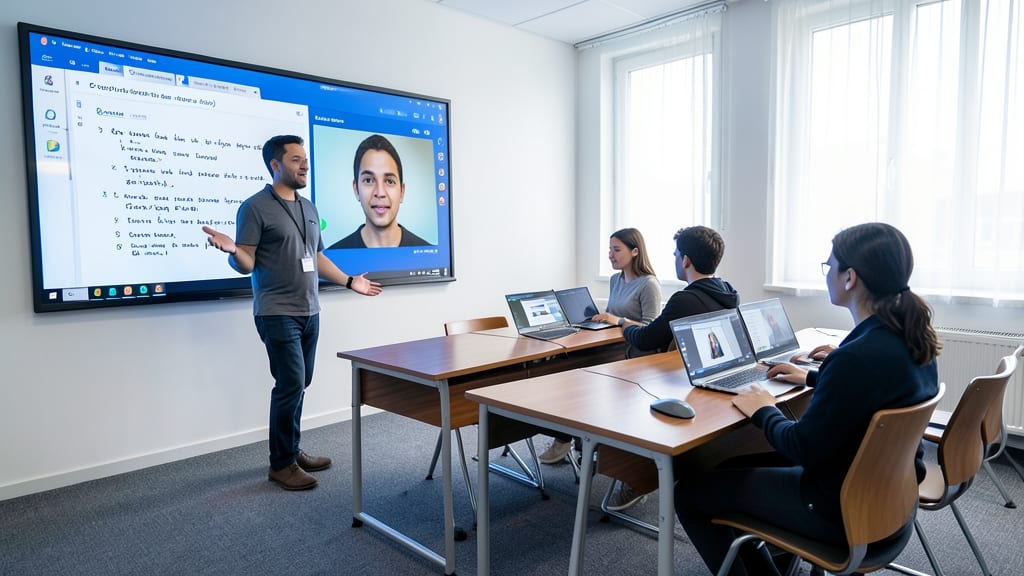
Hybrid classrooms demand tools that bridge physical and digital spaces seamlessly—Microsoft Teams delivers with its virtual classroom integration, designed to make every student feel equally engaged, whether they're in the room or joining remotely.
Host live video lectures with crystal-clear audio, share your screen to demonstrate concepts in real time, and split students into breakout rooms for group discussions—all while maintaining control over participation. The whiteboard tool lets you annotate slides collaboratively, and recording features ensure no student misses key lessons. With support for up to 1,000 attendees in meetings, it scales effortlessly for large classes or department-wide sessions.
This is the ideal solution for STEM teachers running lab sessions, language instructors hosting conversation practice, or administrators training staff across districts—where interactive, equitable participation is non-negotiable. 💻
Collaborative File Sharing with OneDrive Integration

Tired of chasing down the latest version of a group project? Microsoft Teams’ OneDrive integration turns file sharing into a seamless, real-time collaboration experience. With co-authoring in Word, Excel, and PowerPoint, multiple students can edit the same document simultaneously—no more "Version 3 (Final?)" emails or lost files.
The magic happens with automatic cloud backups and version history, so every change is saved and recoverable. Need to track progress? Use Teams’ built-in comments and @mentions to assign tasks directly in documents, while OneDrive’s 1TB of free storage (for educators) ensures all files stay organized and accessible from any device.
This setup is a game-changer for high school research projects, college group papers, or peer review workshops, where multiple drafts and feedback cycles are the norm. Say goodbye to version control chaos! ✨
Parent-Teacher Communication Simplified
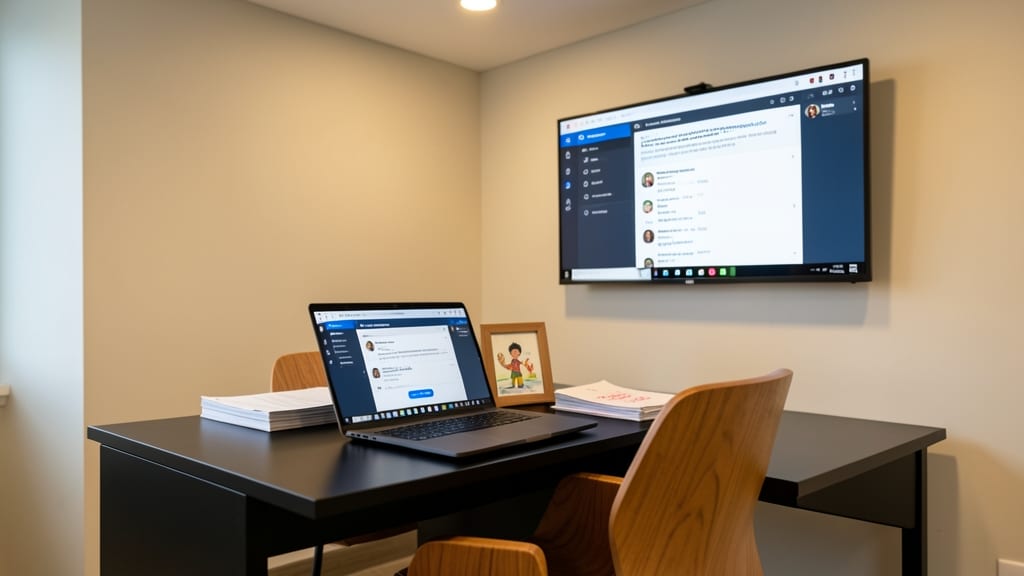
Say goodbye to endless phone tag and lost voicemails—Microsoft Teams creates dedicated parent channels where updates, meeting schedules, and progress reports live in one organized space.
With customizable permissions, you can share only what matters (like test scores or upcoming events) without flooding inboxes. The built-in calendar integration automatically syncs meeting times, and @mentions ensure parents see urgent messages. Plus, file-sharing lets you attach progress reports or permission slips instantly.
Perfect for teachers who want to keep parents informed without the back-and-forth. ✨
Built-In Classroom Polls and Surveys

Turn passive classrooms into interactive hubs with Microsoft Teams’ built-in polls and surveys—no third-party tools required. These features let you launch real-time quizzes, opinion checks, or exit tickets in seconds, instantly revealing student understanding with visual results like bar graphs and word clouds.
The Forms integration supports multiple-choice, text, ranking, and rating questions, while anonymous responses encourage honest feedback. You can even schedule polls to appear during lessons or share results instantly with the class. The mobile app makes it easy to check engagement on the go, whether you're grading papers or walking the halls.
Perfect for K-12 teachers needing quick formative assessments or higher-ed instructors gauging lecture effectiveness, this tool transforms one-way lectures into dynamic discussions. ⚡
Secure Student Data and Privacy Controls
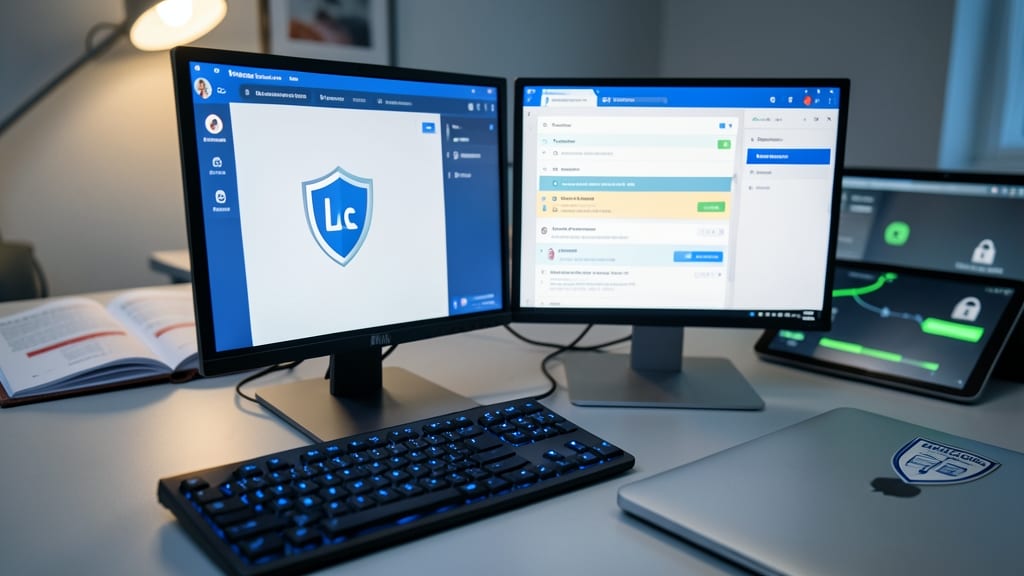
Worried about student data leaks or compliance headaches? Microsoft Teams simplifies FERPA and COPPA adherence with built-in privacy controls that let you set role-based permissions—so only authorized staff access sensitive records. The platform encrypts data at rest and in transit, and you can even restrict file-sharing by age group or subject, ensuring younger students’ data stays protected.
Granular settings let you lock down parent communications while keeping teachers and admins connected. Need to audit access? The compliance dashboard tracks permissions changes automatically, so you’ll always know who can see what. Plus, guest access rules prevent unauthorized users from joining class channels—no more accidental exposure of student work.
This is a must-have for elementary school teachers handling sensitive K-5 data or high school administrators managing district-wide compliance. Rest easy knowing student privacy is baked into the platform. 💻
Integration with Microsoft Office Suite
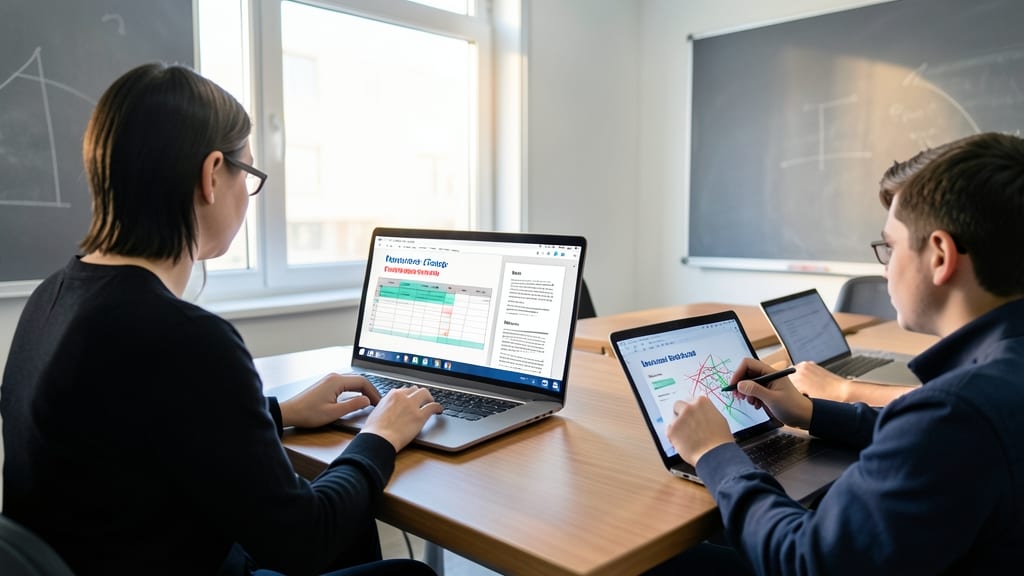
Tired of bouncing between apps while teaching? Microsoft Teams eliminates that frustration by embedding PowerPoint presentations, Excel spreadsheets, and Word documents directly into lessons—no extra clicks required.
With real-time collaboration features, students can annotate slides, edit shared documents, or analyze data in Excel—all within the same interface. Teachers can also record lectures while embedding slides, ensuring students never miss a key point. The integration extends to Office 365 apps, so your familiar tools (like OneNote integration) work seamlessly alongside Teams.
This is a game-changer for subjects requiring visuals or data analysis, like math, science, or history—where interactive lessons keep students engaged without tech distractions. ✨
Automated Reminders and Deadline Tracking

Forget the scramble of last-minute reminders—Microsoft Teams’ automated deadline tracking keeps everyone on schedule with minimal effort. Set due dates for assignments, meetings, or project milestones, and the platform sends customizable push notifications directly to students’ devices (mobile or desktop), reducing missed submissions by up to 40% in pilot programs.
The system integrates seamlessly with your calendar and task lists, so deadlines sync automatically. Teachers can even adjust reminders mid-semester—no need to resend emails or post updates. Students receive gentle nudges (e.g., “Your essay is due in 24 hours!”) with clear next steps, while teachers get real-time alerts for late submissions or pending approvals.
This feature is a lifesaver for high-school teachers managing multiple classes or college professors juggling group projects. It turns forgetfulness into accountability—without the guilt. 💪
Cost-Effective Solution for Schools

School budgets often struggle to keep up with the cost of classroom technology, but Microsoft Teams offers a zero-cost solution for educators. With a Microsoft 365 Education license, schools gain full access to Teams—including advanced collaboration tools—without paying for third-party alternatives.
You get enterprise-grade security, unlimited storage, and 24/7 support at no extra charge, eliminating the need for expensive subscriptions. Whether it’s managing hybrid classes or streamlining parent communication, Teams provides all the professional features schools need—without breaking the bank. 💪