Skip to content
Mail Settings

Mail Settings

  • All Articles
  • App
  • Coding
  • Hardware
  • More
    • Operating System
    • Outlook
    • PowerPoint
    • Review
    • Software
    • Tip & Trick
    • Troubleshooting
    • Windows

Tip & Trick

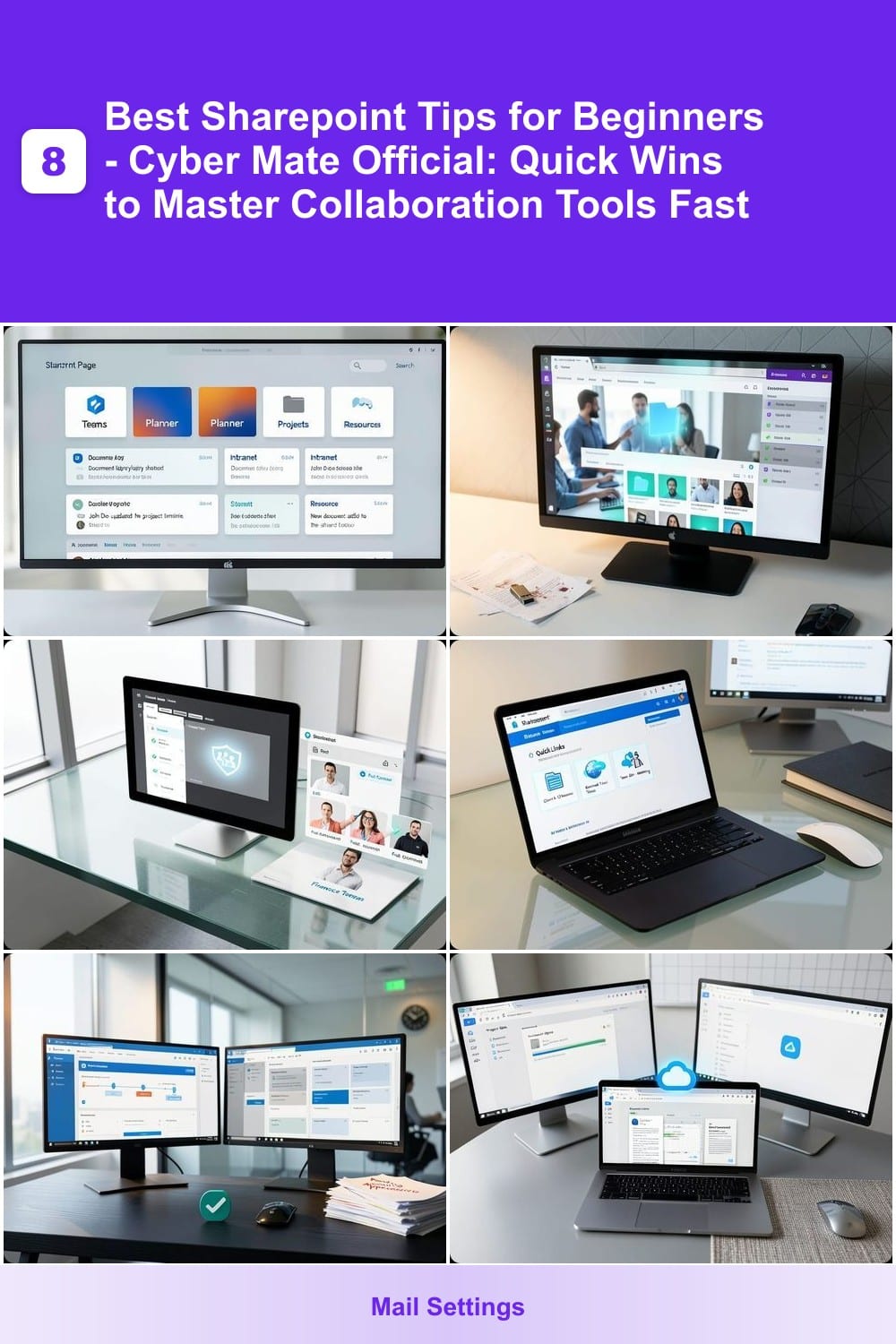
8 Best Sharepoint Tips for Beginners - Cyber Mate Official: Quick Wins to Master Collaboration Tools Fast
November 3, 2026 by Adriana Laurent
8 Best Sharepoint Tips for Beginners - Cyber Mate Official: Quick Wins to Master Collaboration Tools Fast

Mastering SharePoint can transform your team’s collaboration—but where do you start? These eight beginner-friendly tips cut through the complexity, giving you actionable strategies to navigate SharePoint like a pro in…

Read more

Categories Tip & Trick

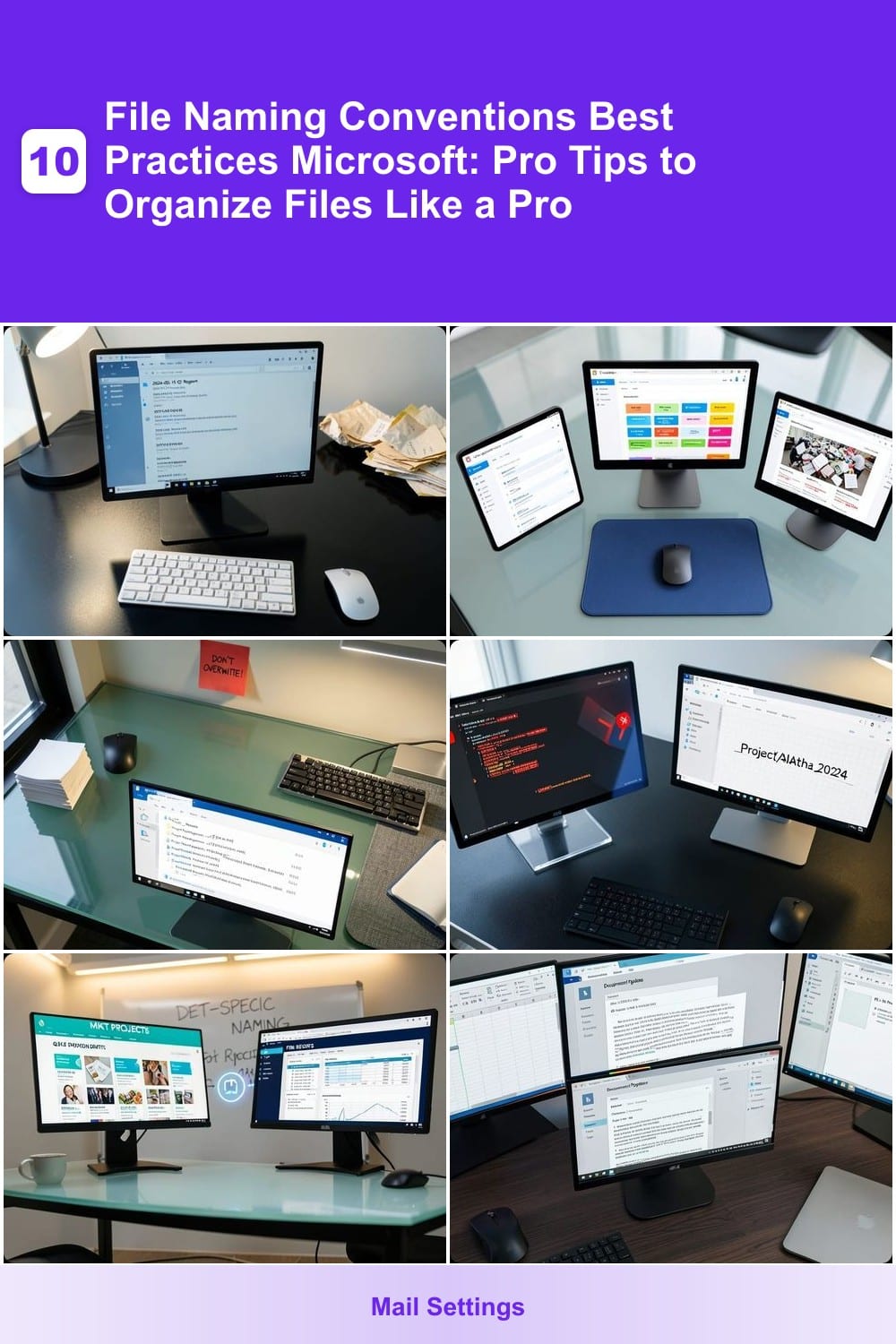
File Naming Conventions Best Practices Microsoft: Pro Tips to Organize Files Like a Pro

October 16, 2026 by Adriana Laurent
File Naming Conventions Best Practices Microsoft: Pro Tips to Organize Files Like a Pro

Struggling to find files in your Microsoft ecosystem? A well-structured naming system saves time and prevents chaos. These seven file naming best practices will transform your digital organization, whether you use…

Read more

Categories Tip & Trick

How to Activate Microsoft 365 on Mac: Quick Activation Without Sync Delays

October 15, 2026 by Adriana Laurent
How to Activate Microsoft 365 on Mac: Quick Activation Without Sync Delays

Activating Microsoft 365 on your Mac used to feel like navigating a maze of sync delays and error codes. ✨ I’ve helped dozens of users skip those headaches—here’s the direct path that works in under 5 minutes on macOS…

Read more

Categories Tip & Trick

How to Add a Logo to Video: Brand Your Content With Pro-Level Watermarks

November 19, 2026 by Adriana Laurent
How to Add a Logo to Video: Brand Your Content With Pro-Level Watermarks

Adding a logo to your video is the fastest way to turn raw footage into branded content—no fancy equipment or degree required. ✨ I’ve burned more time than I’d like to admit fiddling with watermarks in different editors…

Read more

Categories Tip & Trick

How to Create a Shared Note: Collaborate in Real-Time Across Devices

October 9, 2026 by Adriana Laurent
How to Create a Shared Note: Collaborate in Real-Time Across Devices

Creating a shared note is how my team at Microsoft’s Windows 10 rollout finally stopped emailing drafts back and forth. ✨ The right tool turns a messy back-and-forth into a clean, real-time workspace where everyone sees…

Read more

Categories Tip & Trick

How to Delete SPSS From Mac: Fully Remove Apps, Files, and Cache

November 19, 2026 by Adriana Laurent
How to Delete SPSS From Mac: Fully Remove Apps, Files, and Cache

To delete SPSS from your Mac completely, you’ll need more than just dragging it to the trash—leftover files and cache can slow down your system. ⚡ I’ve removed SPSS from countless machines, and the key is targeting…

Read more

Categories Tip & Trick

How to Download a File From Teams: Desktop and Mobile Workflow Simplified

November 17, 2026 by Adriana Laurent
How to Download a File From Teams: Desktop and Mobile Workflow Simplified

To download a file from Teams, you’re just a few clicks away from saving documents, spreadsheets, and presentations to your device—whether you're on desktop or mobile. ✨ I’ve helped dozens of teams recover lost files…

Read more

Categories Tip & Trick

Microsoft Word Document Download: Universal Access Across Devices

October 10, 2026 by Adriana Laurent
Microsoft Word Document Download: Universal Access Across Devices

Downloading a Microsoft Word document should take seconds, not frustration. ✨ Whether it arrives via email, sits in cloud storage, or lives on a website, getting that .docx file onto your device is simpler than you…

Read more

Categories Tip & Trick

How to Download a Teams Recording: Step-by-Step Guide for Perfect Clarity

October 9, 2026 by Adriana Laurent
How to Download a Teams Recording: Step-by-Step Guide for Perfect Clarity

To download a Teams recording, you’ve got three foolproof methods that work every time—no tech degree required. ✨ I’ve used these exact steps to recover recordings for clients who swore they were lost forever, and the…

Read more

Categories Tip & Trick

How to Download a Video From Clipchamp: Instant Save Without Quality Loss

October 7, 2026 by Adriana Laurent
How to Download a Video From Clipchamp: Instant Save Without Quality Loss

To download a video from Clipchamp, you don’t need third-party tools—Microsoft’s own built-in export feature does the job in seconds. ⚡ I’ve used this method for years to save videos without losing quality, and it works…

Read more

Categories Tip & Trick
Page1Page2Page3…Page7Next →

About Me

Adriana Laurent

Adriana Laurent
My first computer was a clunky desktop my dad brought home from the office in the '90s, and I spent hours typing stories while my siblings hogged the keyboard for games. That machine taught me patience—waiting for slow boot-ups, debugging my own typos, and figuring out how to make things work without a manual. Now, I run this site to share the same kind of clarity and problem-solving I wish I’d had back then. Whether it’s troubleshooting a stubborn software glitch or explaining why Linux isn’t as scary as it seems, I’m here to make tech feel less like a mystery and more like a tool you can actually use.

Learn more

Recent Posts

  • Windows 10 Wifi Driver Download: Instant Fix for Stubborn Connection Issues
    Windows 10 Wifi Driver Download: Instant Fix for Stubborn Connection Issues
  • Application/Octet-Stream to PDF: Instant Conversion Without Formatting Loss
    Application/Octet-Stream to PDF: Instant Conversion Without Formatting Loss
  • Amazon App Store Download for PC: One-Click Access Without Sync Delays
    Amazon App Store Download for PC: One-Click Access Without Sync Delays
  • Microsoft To-Do Desktop App Download: Standalone Installer for Offline Productivity
    Microsoft To-Do Desktop App Download: Standalone Installer for Offline Productivity
  • Uninstall Trend Micro on Mac: Step-by-Step Removal Without Leftovers
    Uninstall Trend Micro on Mac: Step-by-Step Removal Without Leftovers
  • All Guides
  • About
  • Contact
  • Privacy Policy
  • Cookie Policy
  • Terms of Use
© 2026 mailsettings.click