
Software
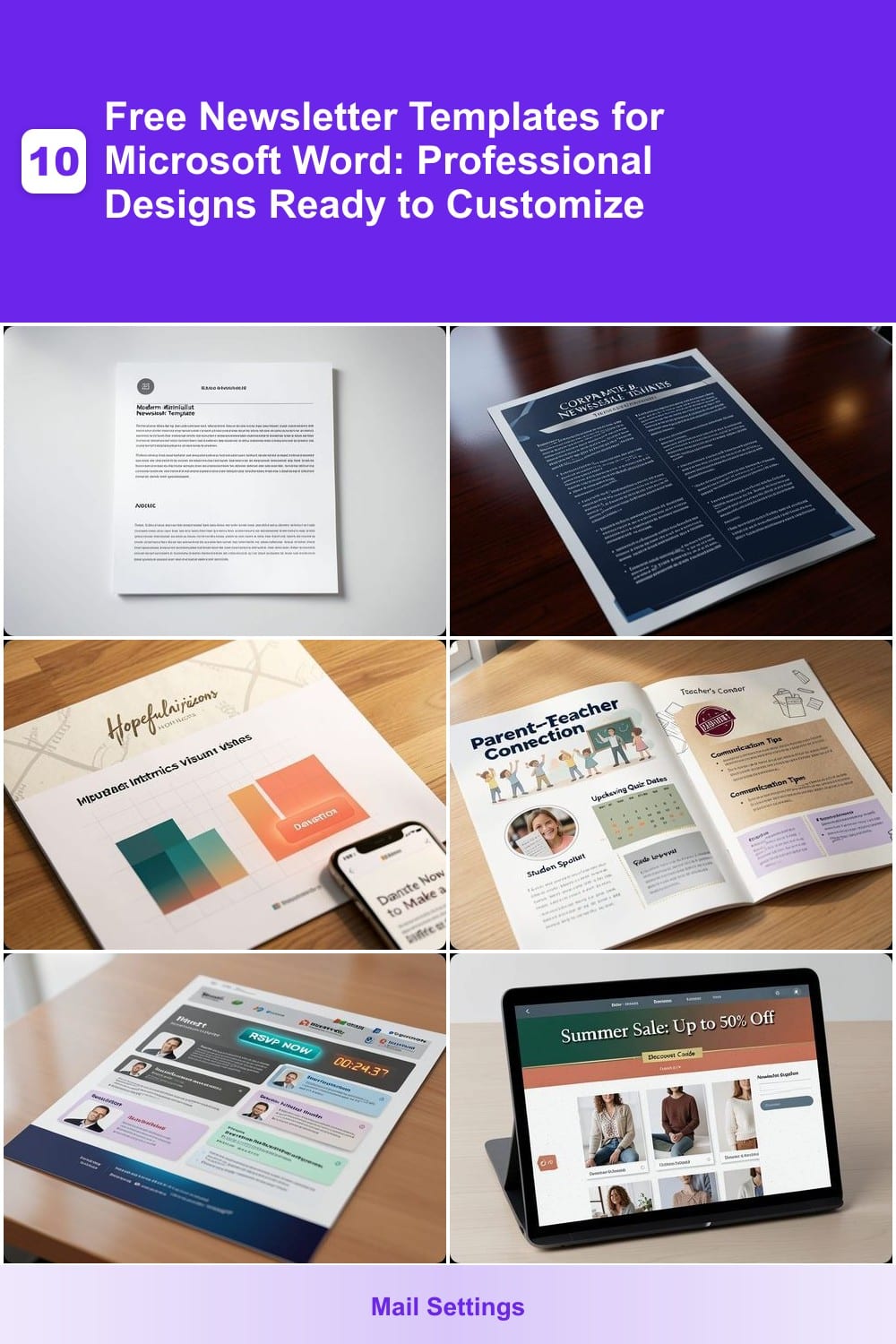
Struggling to create polished newsletters in Microsoft Word without spending a dime? These ten professionally designed, free templates will help you craft eye-catching communications instantly—no design skills required.
Modern Minimalist Newsletter Template
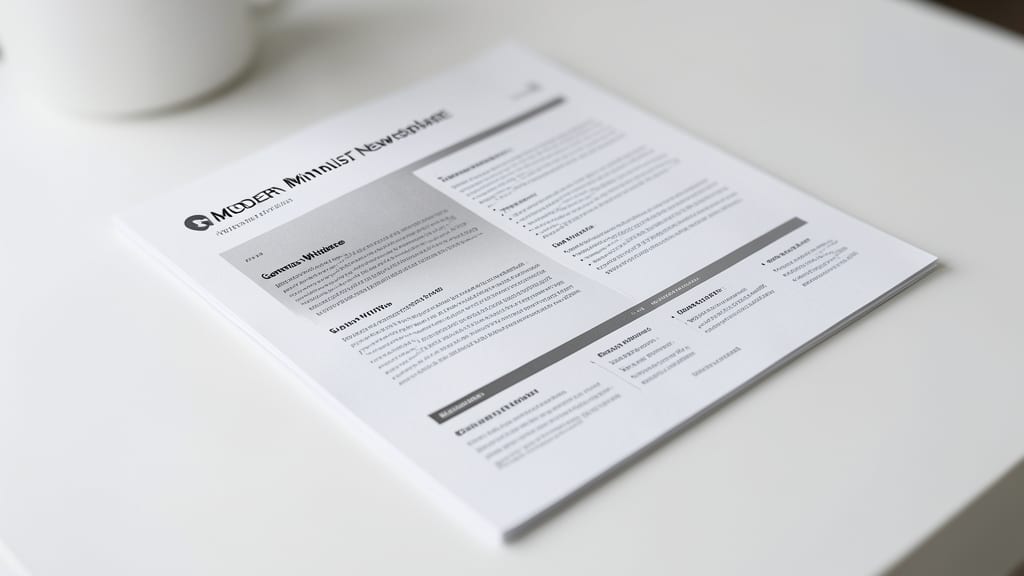
Tired of cluttered newsletters that overwhelm your audience? The Modern Minimalist Newsletter Template delivers a whitespace-first design that prioritizes clarity and sophistication—ideal for professionals who want their message to shine without distraction. This template uses a soft gray-and-white palette with subtle geometric accents to create a polished, brand-aligned look that works for corporate updates or personal branding.
Key features include pre-formatted text blocks for easy content placement, responsive spacing that adapts to your screen, and customizable color themes to match your logo or brand guidelines. The layout avoids visual noise, ensuring your content—whether it’s a quarterly report or a personal update—remains the focal point. Simply replace placeholder text with your own, and you’re ready to send a newsletter that feels both professional and approachable.
Perfect for corporate communicators, freelancers, or personal brand builders who want to convey expertise without sacrificing readability. Whether you’re sharing industry insights or a personal milestone, this template ensures your message lands with impact. ✨
Corporate Business Newsletter Template
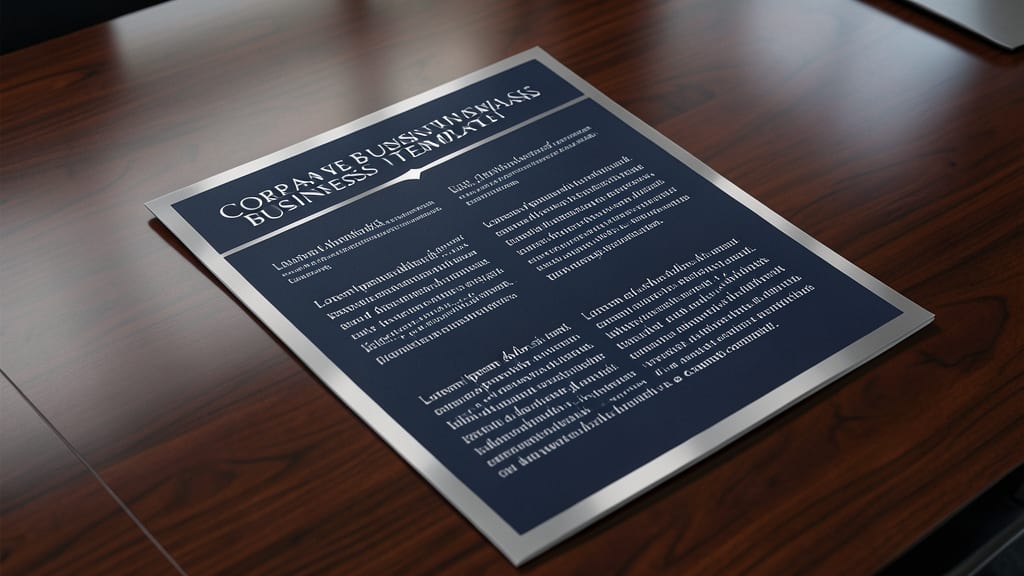
Need a newsletter that commands respect in boardrooms and client meetings? The Corporate Business Newsletter Template delivers a formal, structured design built for annual reports, executive updates, and B2B communications. With its dark blue and silver color scheme, it instantly conveys professionalism while keeping the focus on your message.
This template includes pre-built sections for company news, financial metrics, and executive spotlights, along with placeholder charts and graphs to showcase your data visually. The modular layout ensures your content stays organized, whether you’re highlighting Q4 results or announcing a new partnership. Simply replace the placeholder text with your own, and you’re ready to send a newsletter that feels like it came from a design agency.
Perfect for corporate communicators, executives, or B2B marketers who need to present information with authority. Download it, add your branding, and watch your engagement rates climb. ✨
Nonprofit Fundraising Newsletter Layout
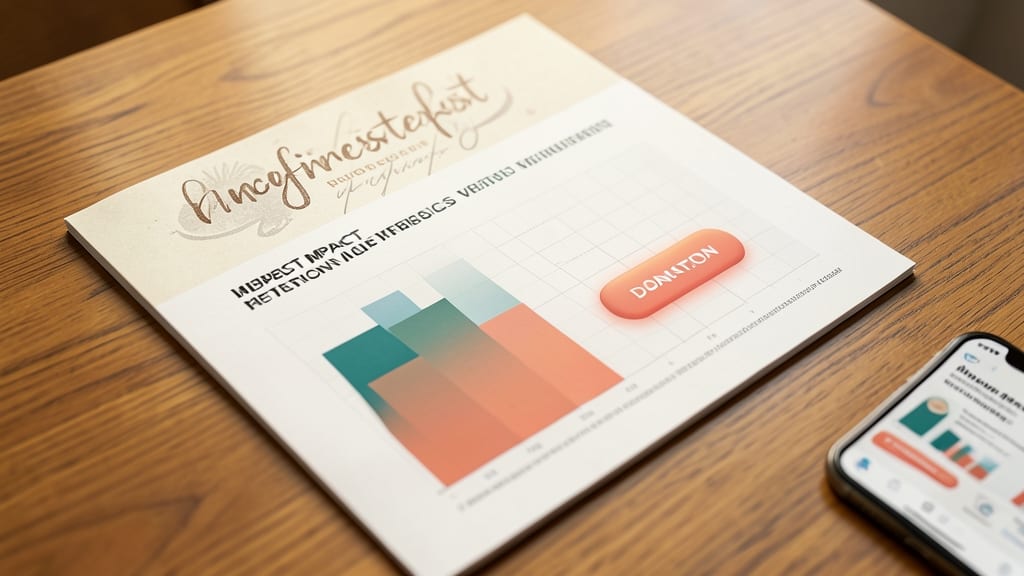
If your nonprofit’s mission deserves a compelling story but your design skills are limited, this fundraising-focused template turns supporters into donors with just a few clicks. Pre-built sections like impact metrics visuals and donation buttons streamline conversions, while warm color palettes (think earthy greens and golds) evoke trust instantly.
The layout includes dedicated story sections for volunteer spotlights and mission updates, ensuring every email feels personal. With placeholders for tax-deductible donation links and social media integration, you can launch campaigns faster—no coding required. Microsoft Word’s built-in tools let you tweak fonts and images to match your brand in minutes.
Ideal for small NGOs and community groups, this template helps you turn subscribers into supporters without the overhead of custom design work. Perfect for quarterly impact reports or emergency appeal emails. ✨
Educational Newsletter for Teachers
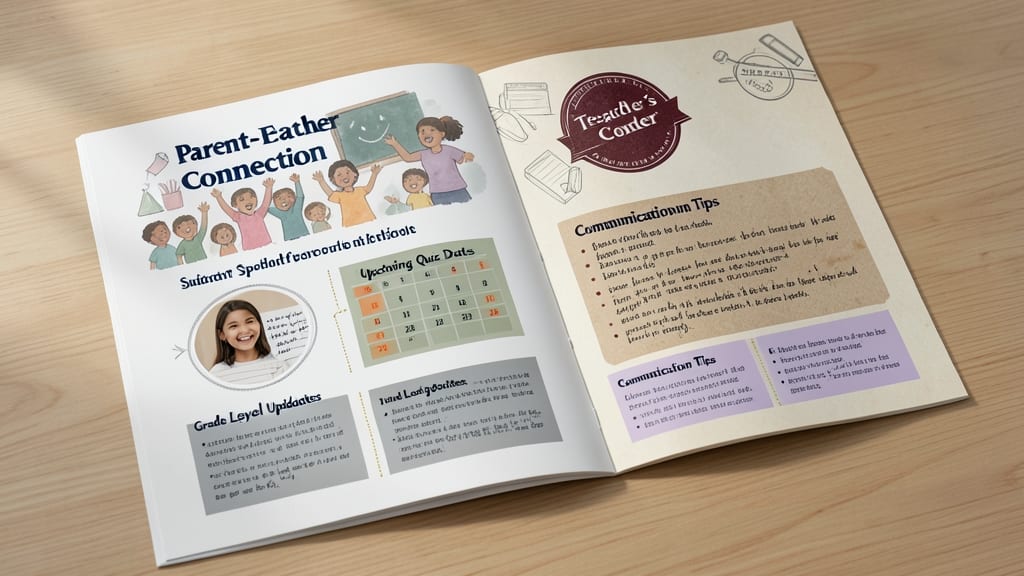
Keep parent-teacher communications engaging with this educator-focused template, designed to bridge the gap between classrooms and home. It includes dedicated sections for student spotlights, upcoming quiz dates, and grade-level updates—all while maintaining a professional yet approachable tone.
The template features pre-built interactive elements like a calendar for school events, a "Student of the Month" photo gallery, and even a quick quiz section you can customize with multiple-choice questions. The color scheme uses school-safe blues, reds, and yellows, while the layout ensures readability across devices—perfect for printing or emailing.
This is your go-to for teachers, PTA groups, and school administrators who want to share updates in a way that excites students and reassures parents. The structured design makes it easy to highlight achievements and upcoming deadlines without overwhelming readers. ✨
Event Promotion Newsletter Design
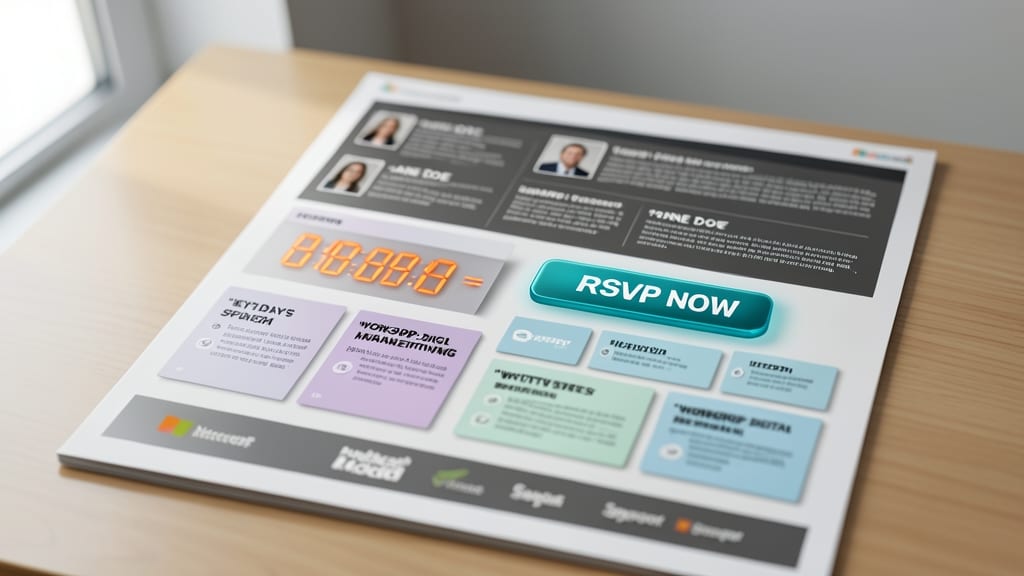
Hosting a conference, webinar, or workshop? This event promotion template turns sign-ups into a breeze with built-in RSVP buttons and countdown timers that create urgency. The pre-designed sections for speaker bios, session highlights, and sponsor logos keep your event details organized while looking polished.
Customize the vibrant red-and-white color scheme to match your brand, or swap in your own imagery for a cohesive look. The template includes clickable links for easy registration and a schedule-at-a-glance layout to help attendees plan their time—no coding required.
Perfect for event planners, organizers, and small businesses looking to boost attendance without the hassle of designing from scratch. ⚡
Retail Product Catalog Newsletter
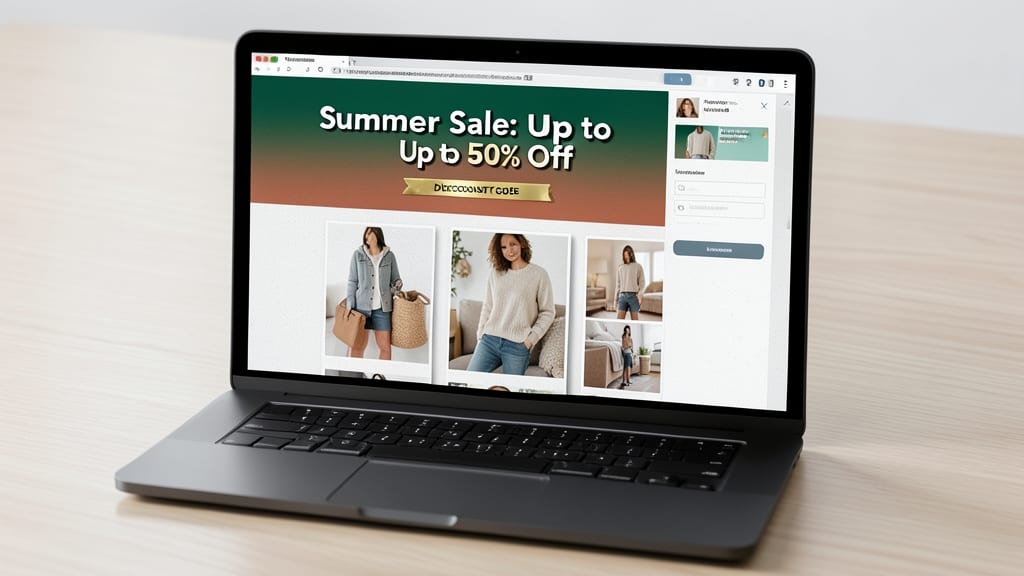
Turn your email inbox into a virtual storefront with this retail product catalog newsletter template, designed specifically for small businesses and online shops. Featuring drag-and-drop product grids, eye-catching promotional banners, and dedicated sections for discount codes, it transforms your newsletter into a direct sales tool—no coding required.
Key features include pre-sized image placeholders for product photos, highlighted sale sections with bold typography, and clickable "Shop Now" buttons to drive traffic to your store. The template also includes a discount code generator section, making it easy to promote limited-time offers. Compatible with Microsoft Word 2016 and later, it’s ready to customize with your branding in minutes.
Perfect for Etsy sellers, Shopify store owners, or local boutiques, this template turns passive newsletters into active revenue streams. Just add your products, hit send, and watch your open rates—and sales—soar. 💻
Personal Blogger Newsletter Format
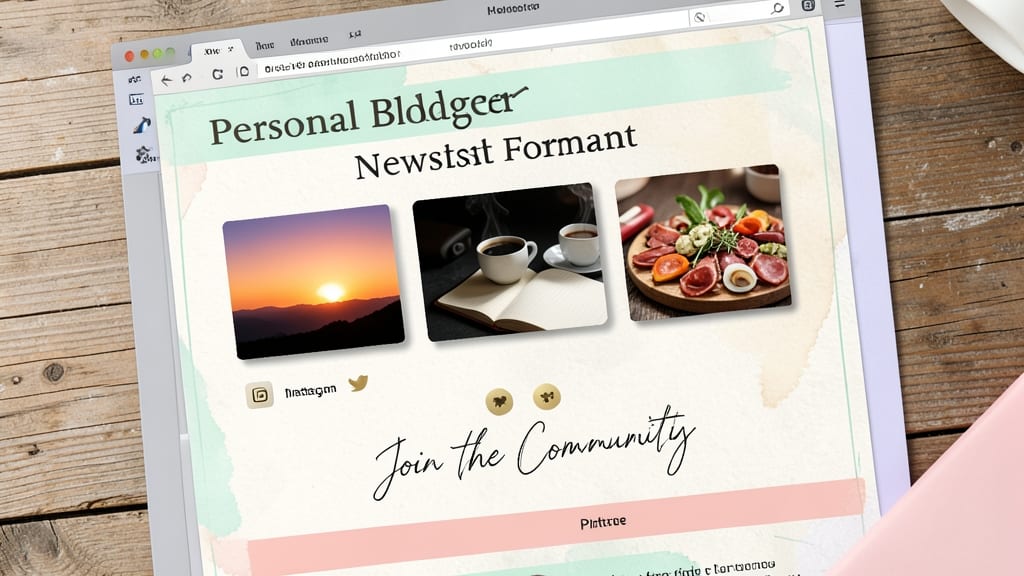
Want to turn your blog’s latest posts into a visually engaging newsletter that keeps readers hooked? This Personal Blogger Newsletter Format blends pastel accents, post thumbnails, and social media links into a cozy, inviting layout—perfect for showcasing your content while building community.
With dedicated sections for recent articles, reader testimonials, and Instagram feeds, this template makes it easy to highlight your best work. The handwritten-style fonts and soft color palette give it a personal touch, while the modular design lets you swap in your own images and branding effortlessly.
Ideal for solo bloggers, freelance writers, or small content creators who want to boost engagement without sacrificing style. ✨
Health and Wellness Newsletter
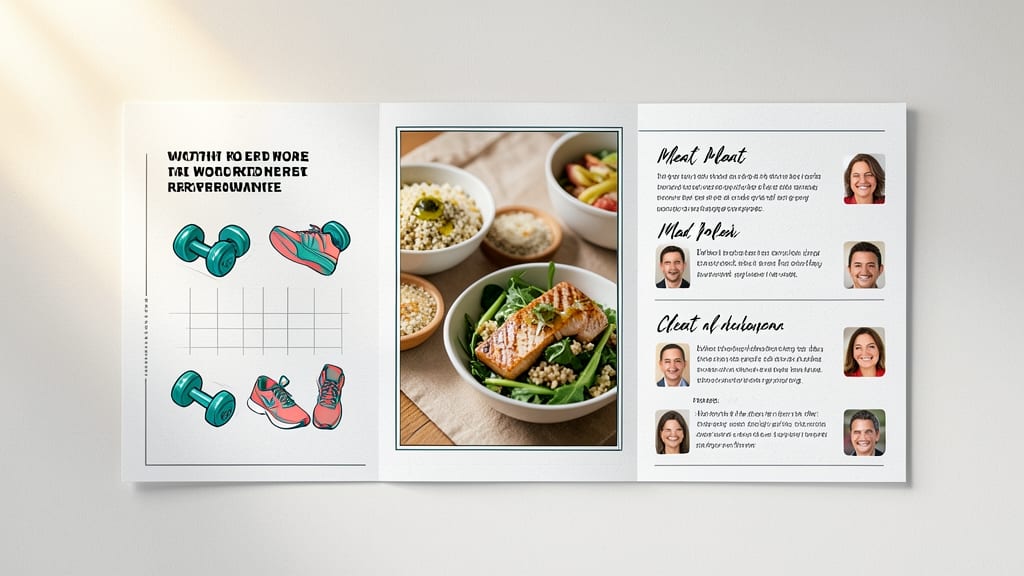
If you’re a fitness coach, nutritionist, or wellness brand, this template is your secret weapon for converting subscribers into loyal clients. It’s packed with pre-designed sections for meal plans, workout routines, and client testimonials—everything you need to showcase expertise and build trust instantly.
The layout includes dedicated placeholders for nutrition facts, exercise infographics, and success stories, all while keeping a clean, professional aesthetic. You can easily swap in your branding colors (think calming greens and blues) and add your logo without starting from scratch. The modular design ensures you can mix and match content blocks to fit your unique style.
Perfect for coaches building their email list or wellness brands launching promotions, this template turns passive subscribers into engaged followers. Just download, customize, and hit send—your audience will thank you. ✨
Holiday Season Newsletter Template
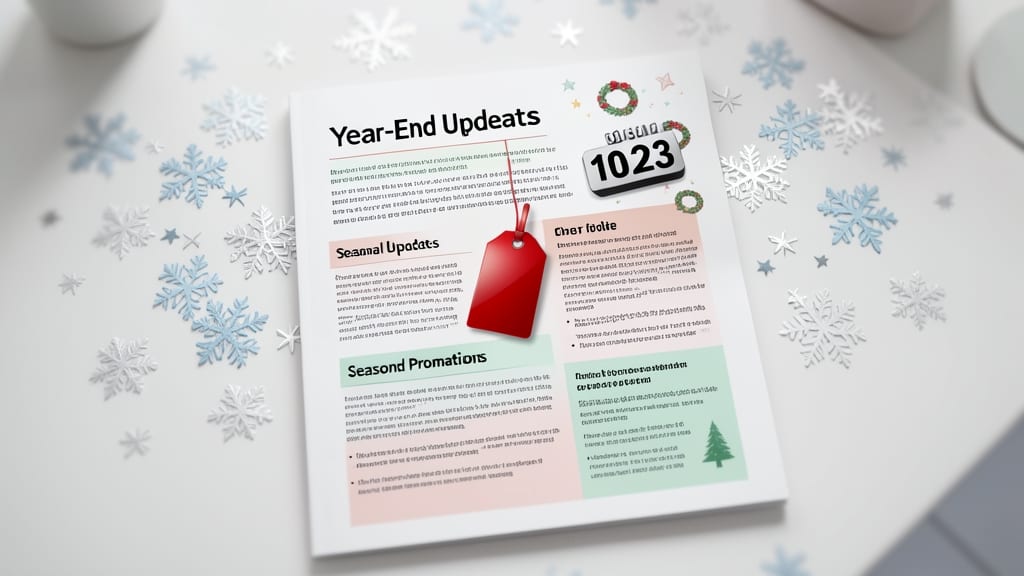
Skip the stress of holiday design with this pre-built festive template, packed with ready-to-use graphics like snowflakes, gift tags, and countdown timers. It’s the perfect way to send year-end updates, gift guides, or seasonal promotions without starting from scratch.
The template includes customizable color schemes (red, gold, and white) and pre-formatted sections for promotions, countdowns, and subscriber spotlights. Simply replace placeholder text with your content—no design skills needed. The built-in holiday borders and festive icons ensure your newsletter looks polished and professional.
Ideal for small businesses, bloggers, or anyone looking to spread holiday cheer, this template works seamlessly in Microsoft Word 2016 and later. Add your branding in minutes for a festive touch that stands out. ✨
Two-Column Newsletter for Simplicity
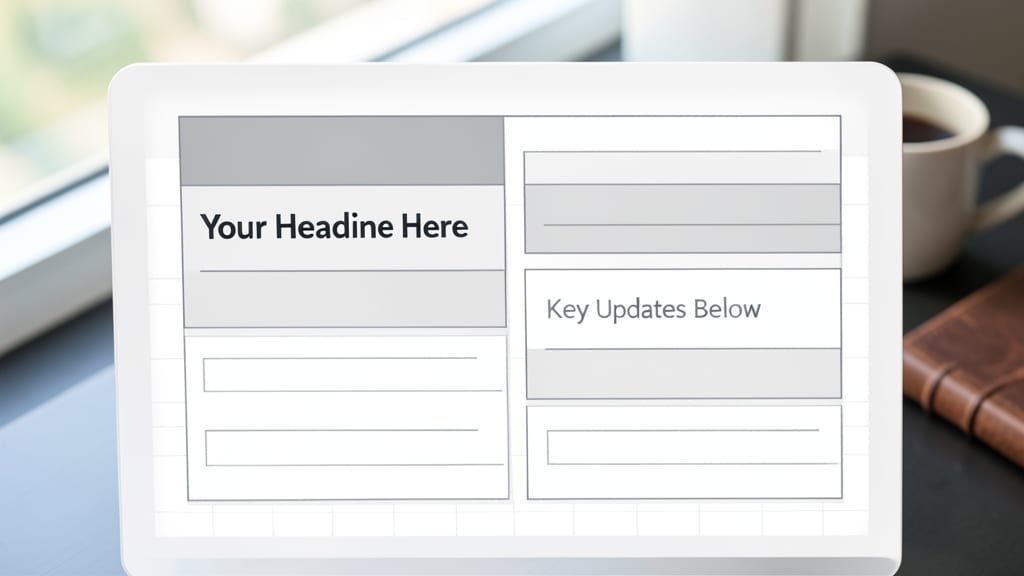
Overwhelmed by complex newsletter designs? The two-column layout is your secret weapon for clarity and speed—perfect for quick updates without sacrificing polish. This template distills your message into two clean, balanced sections, ensuring readers focus on what matters most.
With pre-formatted text boxes, subtle dividers, and responsive spacing, this design works seamlessly in Microsoft Word 2016+. The neutral gray/white palette guarantees compatibility with any branding, while the minimalist structure keeps your content scannable. Drag-and-drop your text, images, or logos—no design degree required.
Ideal for small businesses, freelancers, or anyone who values simplicity, this template turns messy drafts into professional updates in minutes. ⚡