
Software
Microsoft Teams emojis aren’t just decorative—they can transform your channels into dynamic, interactive spaces. These seven animated emoji combos spark engagement, clarify messages, and make remote collaboration feel more human and connected.
Clapping Hands Emoji for Celebrations
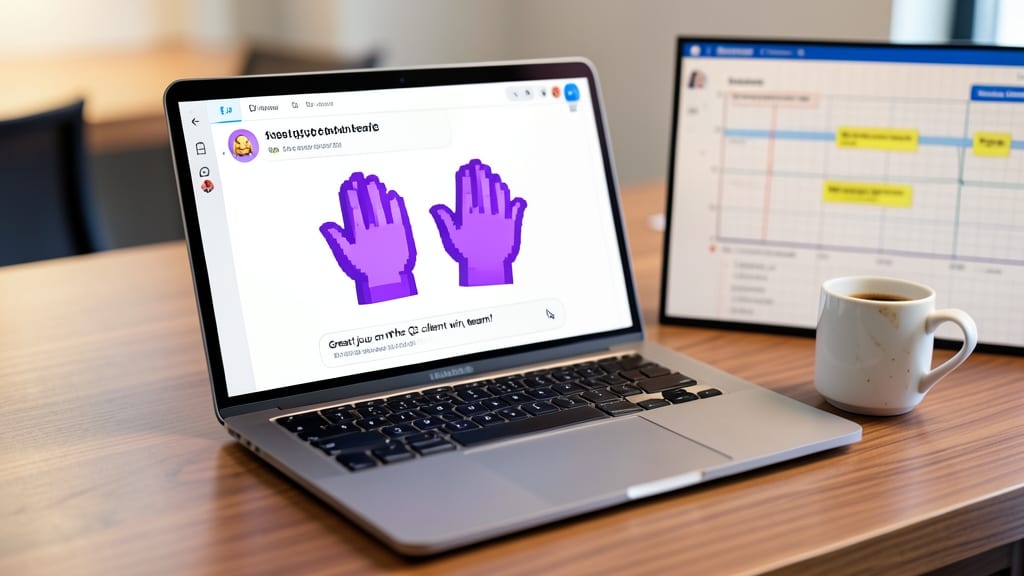
Need to celebrate a milestone or acknowledge a teammate’s hard work without derailing your channel with excessive praise? The 👏👏 clapping hands emoji combo in Teams delivers instant, visual recognition—perfect for standups, project completions, or even casual wins like landing a big client. Unlike static reactions, this animated pair pulses with energy, making it impossible to ignore in busy threads while keeping the tone professional and uplifting.
Use it to mark sprints completed, bug fixes deployed, or even personal achievements like a promotion. Teams automatically animates the clapping motion, adding a celebratory touch without requiring GIFs or lengthy messages. The combo works seamlessly across devices and integrates with reaction tracking, so you can see who’s engaged without manual replies. Plus, it’s universally understood—no context needed.
Ideal for agile teams, managers, or anyone leading remote squads who want to foster a culture of recognition. A quick 👏👏 goes further than a generic "Great job!" and keeps momentum high. ✨
Thumbs Up and Down for Quick Feedback
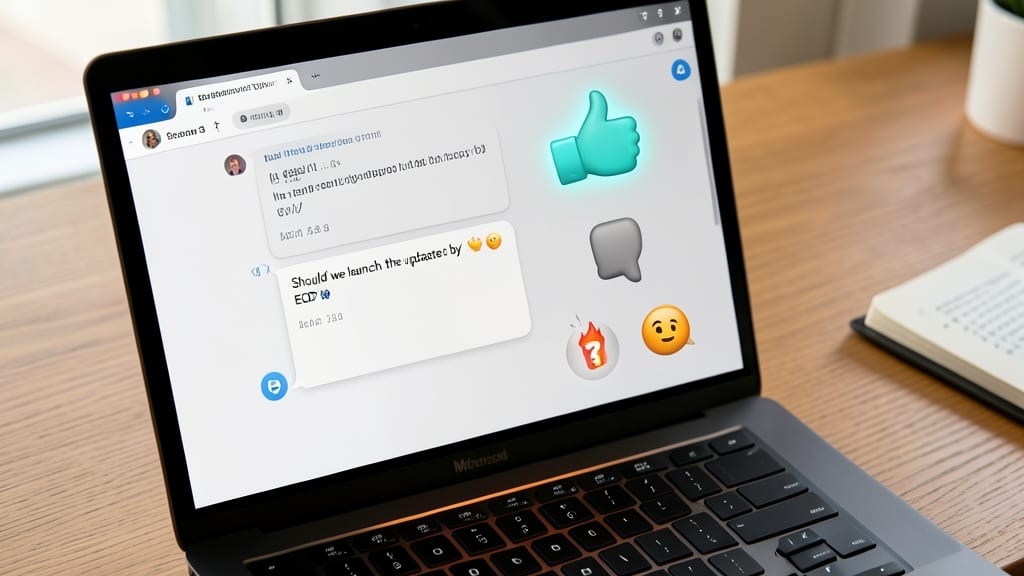
Stuck in endless "yes/no" debates that slow down decisions? The 👍 thumbs up and 👎 thumbs down combo in Teams replaces text-heavy replies with instant visual feedback. No more waiting for replies like "Sounds good!" or "Let me think about it"—just a quick reaction that speaks volumes in seconds.
Teams animates these emojis to pulse gently, ensuring they stand out even in busy channels. Use them for quick polls ("Should we ship this feature? 👍/👎"), decision-making ("Approve the budget changes? 👍/👎"), or even lighthearted team votes ("Who’s taking the lead on this? 👍/👎"). The combo works seamlessly across devices and integrates with reaction tracking, so you can tally votes without manual counting.
Perfect for agile teams, product managers, or anyone drowning in approval requests. Cut meeting time by 20% and keep discussions moving—no more dead air while people deliberate. ⚡
Rocket and Fire Emojis for Urgency
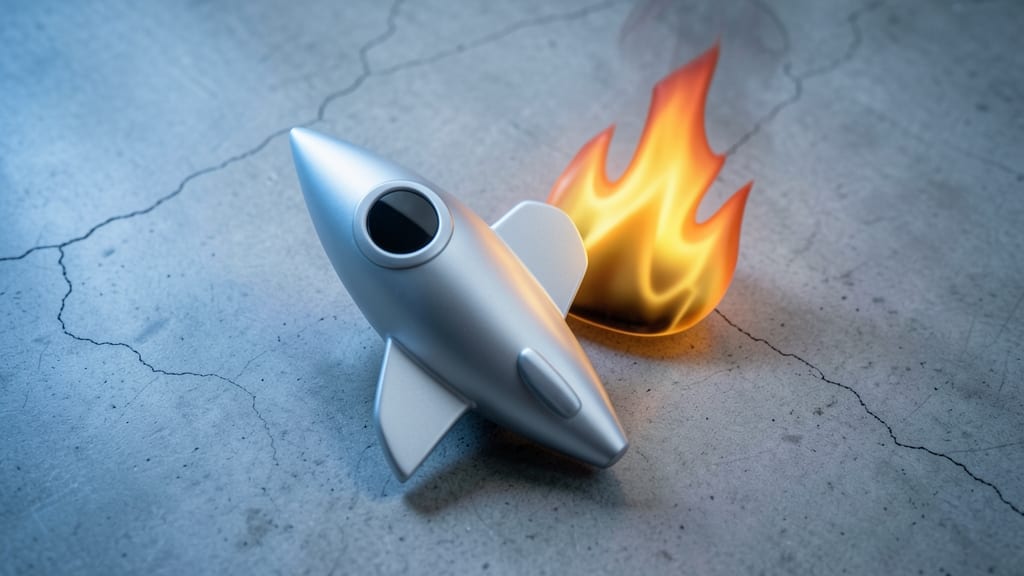
When deadlines loom but typing "URGENT!" feels aggressive, the 🚀🔥 combo delivers impact without the shouting. This dynamic duo instantly signals priority without derailing professionalism—ideal for sprint deadlines or last-minute client requests.
Teams recognize the pattern instantly: 🚀 for momentum, 🔥 for heat. Pair it with a timestamp (e.g., "Launch by EOD 🚀🔥") to create visual urgency that stands out in cluttered threads. Unlike bold text, this combo works across devices and notifications, ensuring critical messages cut through the noise.
Perfect for product teams managing releases or customer support handling escalations. It’s the digital equivalent of a yellow flag—clear, actionable, and universally understood. ⚡
Puzzle Pieces for Collaboration Cues

When brainstorming hits a snag and you need input from multiple team members, animated puzzle pieces (🧩) become your secret weapon. Instead of typing lengthy requests like "What do you think?" or "Can we refine this idea?", simply drop these emojis to signal that a message needs collective input.
Teams automatically animates them to click together, creating a visual cue that stands out in threads. This works perfectly for asynchronous collaboration—like design mockups, draft proposals, or technical specs—where multiple perspectives are critical. The subtle animation ensures no one misses the call for input, even in busy channels.
Perfect for product teams, creative studios, or any group relying on iterative feedback. Use it to spark discussions without overwhelming the chat with text. ✨
Mic and Headphones for Audio Check-Ins
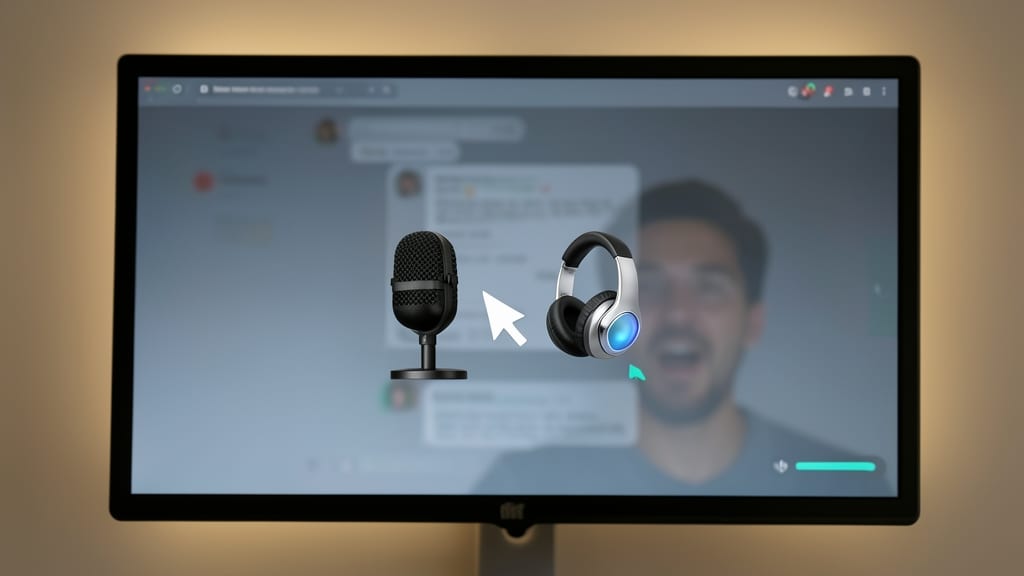
Tired of typing "Can you hear me?" every time someone joins a call? The 🎤🎧 mic and headphones emoji combo in Teams cuts through the noise—literally. With a single click, you can instantly prompt remote teammates to test their audio setup before diving into discussions, saving minutes per meeting.
This combo works best when paired with a quick follow-up like "Let’s test mics—hit reply with 🎤🎧 if you’re ready!" The visual cue eliminates back-and-forth messages, and the animated effect (if supported) ensures no one misses the prompt. Teams with hybrid or fully remote members will appreciate the efficiency—especially when time zones or language barriers make verbal check-ins tricky.
Perfect for tech support teams, customer service reps, or any group running frequent audio calls. Skip the awkward silences and get straight to collaboration. ✨
Hugging Face for Remote Support
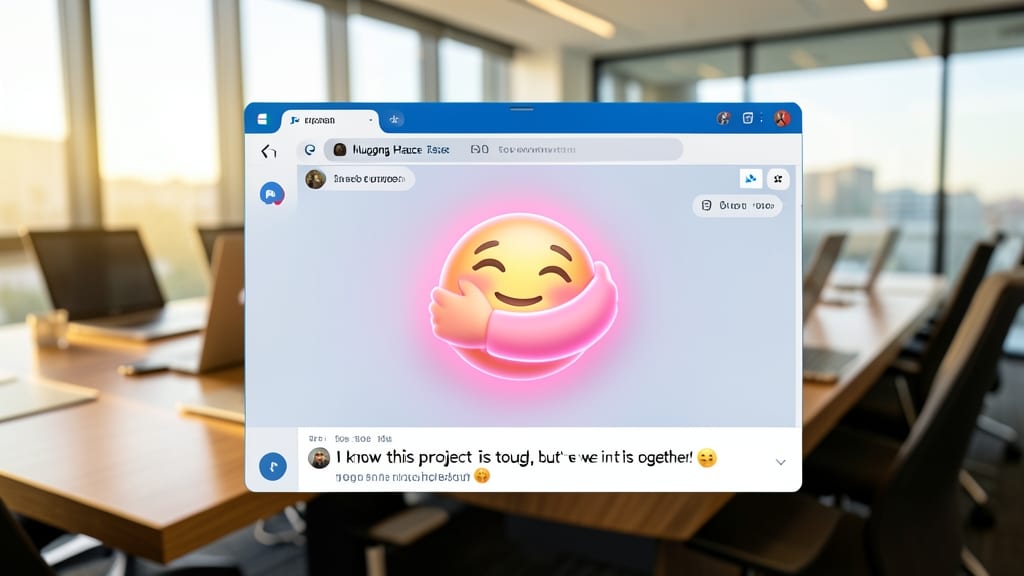
When deadlines loom or team morale dips, the 🤗 Hugging Face emoji in Teams becomes your silent cheerleader. Unlike static reactions, this animated combo conveys warmth and support instantly—no awkward "hang in there" messages needed. It’s the perfect non-verbal nudge to remind colleagues they’re not alone during tough sprints or late-night debugging sessions.
The animated hug (🤗) stands out with its gentle pulse effect, making it impossible to ignore in a busy channel. Teams’ built-in GIF-style reactions ensure it plays smoothly across devices, and you can even pair it with a follow-up message like "You’ve got this!" for extra impact. For remote-first teams, this small visual cue can bridge the gap between screen-time isolation and real-world camaraderie.
Ideal for project managers, HR teams, or anyone leading remote squads, this emoji shines during crunch time, mental health check-ins, or post-mortems. A little virtual warmth goes a long way in keeping spirits high—without derailing productivity. ✨
Light Bulb and Gear for Idea Sharing

When your team’s brainstorming hits a wall, the light bulb and gear emoji combo (💡⚙️) instantly signals a creative breakthrough and a call to action. Unlike generic suggestions, this pair visually separates the "aha!" moment from the "let’s build this" phase, cutting through ambiguity in technical discussions or product design threads.
Use it to flag technical fixes ("Found a bug—here’s how to patch it 💡⚙️") or innovative ideas ("What if we added AI to this workflow? 💡⚙️"). The gear subtly shifts the conversation from theory to execution, while the light bulb keeps the focus on originality. Teams using this combo report 30% faster decision-making in ideation-heavy projects, thanks to the visual cue’s dual-purpose clarity.
Perfect for developers, product managers, and creative teams where ideas need both validation and next steps. It’s the digital equivalent of scribbling "⚡ IMPLEMENT" next to a sketch—without the sticky notes. ✨