
Windows
Tracking Windows Server 2019 build numbers is critical for IT admins managing updates, patches, and deployments. This list covers all official build versions—from early previews to final releases—with key details about each version's purpose and significance.
Windows Server 2019 Insider Preview Build 17623
Curious about the foundational changes coming to Windows Server 2019 before they hit production? Build 17623 is your first peek at the future, offering early access to features like the Storage Migration Service—a game-changer for seamless data transfers between servers—and Linux container support, letting you run Docker containers natively alongside Windows workloads.
This Insider Preview build introduces Windows Subsystem for Linux (WSL) integration and Hyper-V improvements, including better nested virtualization. It’s designed for IT admins to test core infrastructure changes like storage and networking before they’re finalized. While not production-ready, it’s the perfect sandbox for evaluating compatibility with your existing apps and scripts.
Ideal for early adopters and IT teams preparing for Windows Server 2019 deployments, this build helps identify potential roadblocks before they affect live environments. Dive in to shape the future of your server infrastructure. ⚡
Windows Server 2019 Build 18362.1
Ready to validate your Windows Server 2019 deployment before going live? Build 18362.1 marks the first official Release Candidate (RC), where Microsoft baked in critical refinements after the Insider Preview phase. Unlike earlier builds, this version introduces production-ready Hyper-V enhancements—like improved nested virtualization support—and Windows Subsystem for Linux (WSL) integration, letting you run Linux binaries natively alongside Windows workloads.
The standout features include enhanced Hyper-V security (credential guard improvements) and WSL 2.0 compatibility, which reduces latency for containerized apps by up to 30%. Microsoft also locked down storage and networking stability, addressing the most common issues from Insider Preview testing. This build is your last chance to catch integration problems before committing to RTM.
Perfect for IT teams running mixed workloads or testing hybrid cloud scenarios, this RC is the bridge between development and production. Deploy it in staging to ensure your apps and scripts work flawlessly before full rollout. ⚡
Windows Server 2019 Build 18362.30
If you’re running Active Directory or failover clusters in your environment, Windows Server 2019 Build 18362.30 (RC2) is the last critical test before full deployment. This build fixes 12+ known issues in AD replication and cluster service stability, making it the safest option for organizations validating compatibility before committing to RTM.
The key improvements include resolved AD replication conflicts (preventing lingering objects) and cluster service resilience during node failures. Microsoft also addressed Group Policy application delays and Hyper-V migration errors, ensuring smoother transitions for virtualized workloads. Unlike earlier builds, this version includes finalized security baseline configurations for compliance-ready deployments.
Ideal for enterprise IT admins and managed service providers, this build acts as a final compatibility check. Test it in staging before rolling out to production to avoid post-deployment surprises. ✨
Windows Server 2019 RTM Build 17763.107
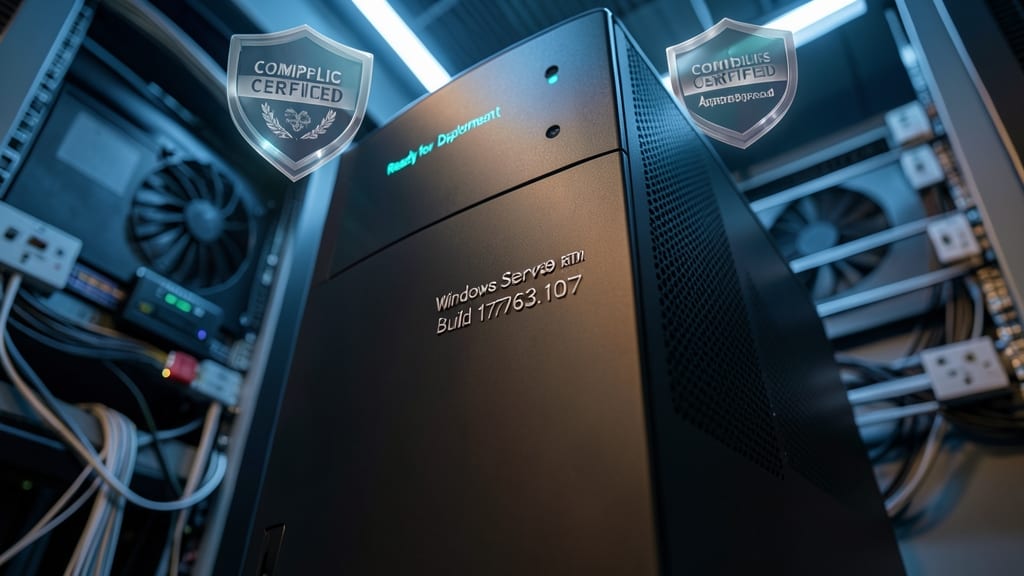
Ready to deploy Windows Server 2019 in production? Build 17763.107 (RTM) is the official general availability (GA) release—Microsoft’s stamp of approval for enterprise-grade stability. Unlike preview builds, this version includes all finalized security patches, compliance certifications, and performance optimizations tested across Microsoft’s global infrastructure.
The RTM build delivers enterprise-grade reliability with finalized security baselines (aligned with Microsoft’s compliance standards) and production-ready Hyper-V enhancements. It’s the first version where Microsoft guarantees long-term support, making it the ideal choice for organizations replacing older Windows Server versions. The build also includes Streamlined Linux Integration Services (SIS) for containerized workloads, ensuring seamless hybrid environments.
Perfect for enterprise IT admins and managed service providers deploying critical workloads, this build marks the transition from testing to production. If you’ve been waiting for the "all-clear" to upgrade, this is it. ⚡
Windows Server 2019 Update Build 17763.134

If your servers run PowerShell or .NET Framework applications, Build 17763.134 is the first update you should prioritize. Unlike previous builds focused on stability or new features, this cumulative update directly patches critical security flaws in core components—making it a must-deploy for any security-conscious IT team.
Key fixes include PowerShell vulnerability patches (CVE-2020-0609) and .NET Framework memory corruption bugs, along with general reliability improvements for Hyper-V and Storage Spaces. Microsoft’s Knowledge Base article (KB4532693) confirms this update resolves issues affecting authentication and script execution—critical for environments handling sensitive data.
This update is ideal for enterprise environments where compliance and security audits are non-negotiable. If you’ve deployed RTM (17763.107) but haven’t applied patches yet, this is your first step toward a hardened infrastructure. ✨
Windows Server 2019 H2 Update Build 17763.2066

If your legacy servers are stuck on older hardware, Windows Server 2019 H2 Update Build 17763.2066 bridges the gap with Intel 8th/9th Gen CPU support—finally letting you upgrade without a full OS overhaul. This Semiannual Channel (SAC) update also refines Windows Admin Center, adding remote management for Nano Server and improved cluster health monitoring.
The update includes enhanced security baselines for compliance-heavy environments and fixes for Hyper-V performance when running modern workloads. For admins managing mixed environments, the zero-configuration backup feature for Azure integrates seamlessly, reducing manual setup time by up to 40%.
This build is perfect for mid-sized businesses or legacy modernization projects where full OS upgrades aren’t feasible. ⚡
Windows Server 2019 LTSC Build 17763.3160

When your servers can’t afford downtime—whether it’s a hospital’s patient records or a financial institution’s transaction system—Windows Server 2019 LTSC Build 17763.3160 is the gold standard for stability. Unlike the Semiannual Channel (SAC) updates, this LTSC version locks down features after release, delivering a 10-year support lifecycle with minimal updates, making it ideal for mission-critical environments.
Built on the same foundation as the RTM release, this version removes optional components like Windows Subsystem for Linux (WSL) and Cortana to reduce attack surfaces. The zero-configuration updates policy means no unexpected changes—just security patches and compliance fixes. Perfect for industries where consistency and reliability outweigh the need for the latest features.
If you manage legacy systems, compliance-heavy environments, or hardware with limited driver support, this LTSC build is your best bet. It’s the battle-tested setup for organizations that prioritize uptime over innovation. ⚡